Decision makers & IT leaders
Understand Hublot's positioning, the benefits for your organization, and the deployment options (cloud or on-premises).
Why Hublot?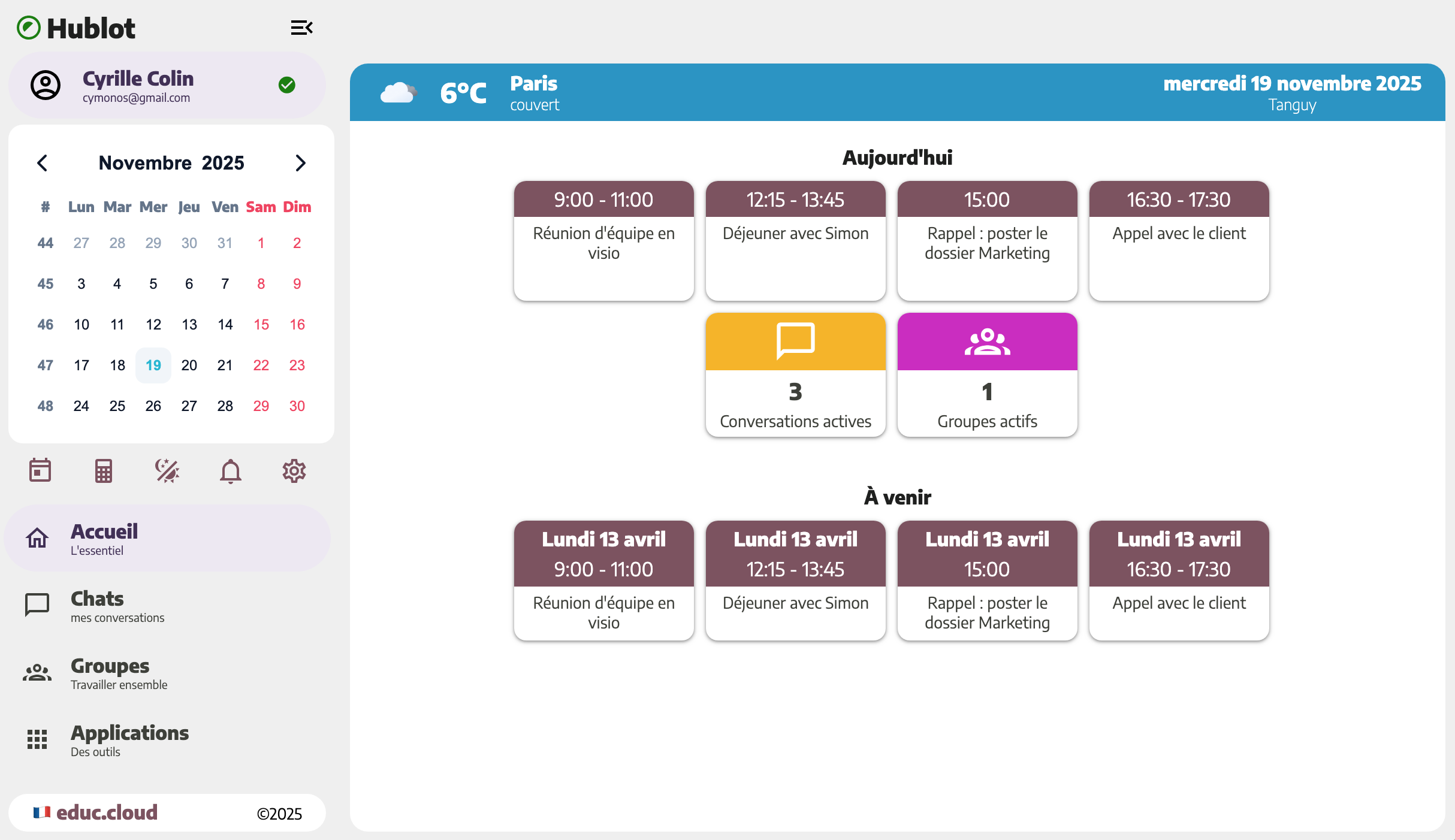
Messaging, video calls, files, notes, and events in a single modern interface, available in cloud or on-premises mode.
Discover Hublot in real conditions before any deployment. The demo lets you explore the interface, messaging, calls, and collection organization like your end users.
Understand Hublot's positioning, the benefits for your organization, and the deployment options (cloud or on-premises).
Why Hublot?Identify prerequisites, prepare deployment, integrate Hublot into your environment (DNS, HTTPS, network access).
View prerequisitesConfigure the organization, manage users, collections, notifications, and support teams day to day.
Admin guideWithout diving into internal technical details, Hublot relies on a modern architecture designed to last and adapt to current and future collaboration needs.
Hublot is hosted and maintained for you. Ideal to get started quickly, without infrastructure management.
Hublot is deployed in your own infrastructure for full control of hosting and data.
To go further, start by discovering Hublot, check the prerequisites for your organization, then choose the most suitable deployment mode.